ACTIVATION McCORMICK DIGITAL SOLUTIONS
Find out how to activate McCormick Digital Solutions licences and connect your vehicle. Your dealer is at your disposal to help with each step and guide you through the entire activation process.

Connect your tractor
- Licence Activation
- Service configuration
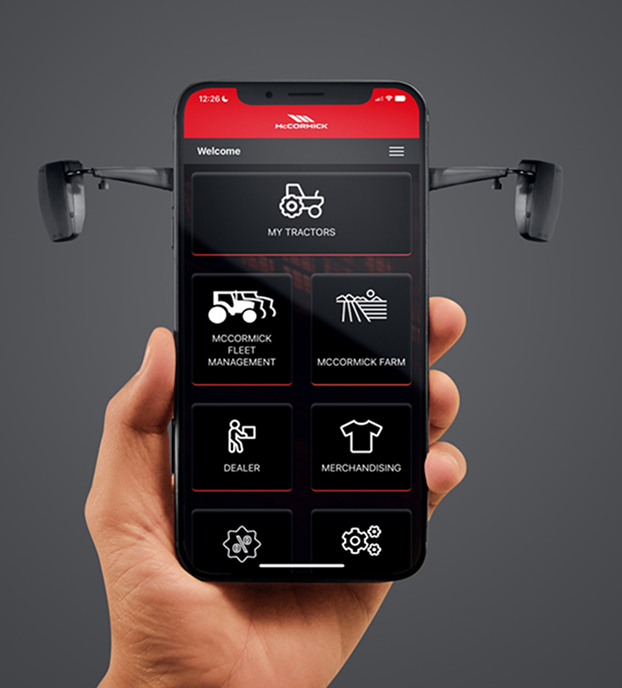
Configure McCormick Farm and McCormick Fleet Management
- Download the My McCormick App
- Log in or create your My McCormick account
- Register your tractor
- My McCormick registration completed!
- Activate Digital Solutions Warranty* and Licenses


*Only for a new vehicle covered by warranty.
Configure McCormick Farm and McCormick Fleet Management
- Download the McCormick Farm and McCormick Fleet Management apps
- Log in or create your Agrirouter account
- Activate your Agrirouter account
- Connect your McCormick Fleet Management to your Agrirouter account
- Add the vehicle to McCormick Fleet Management and connect it to your Agrirouter account
- Connect your McCormick Farm to your Agrirouter account
- Add the vehicle to McCormick Farm and connect it to your Agrirouter account
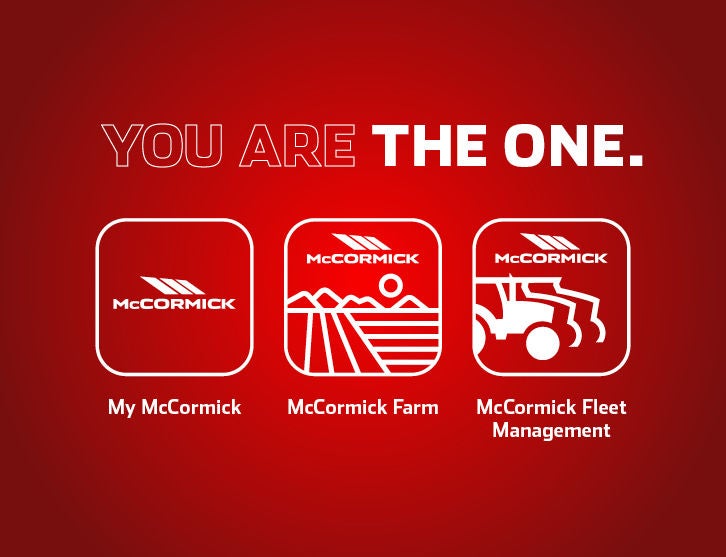
Download McCormick Fleet Management
Download McCormick Farm
For customers with tractors equipped with McCormick Fleet & Remote Diagnostics Management and McCormick Farm Pro Pack. For customers with tractors equipped with the McCormick Farm Start Pack, the activation process ends at step 6. If included in the vehicle configuration, Digital Solutions licences can be activated within 90 days of the warranty start date, after which time they can no longer be activated. The activation process is the same for both factory-purchased and aftermarket Digital Solutions licences.
Watch the video tutorial
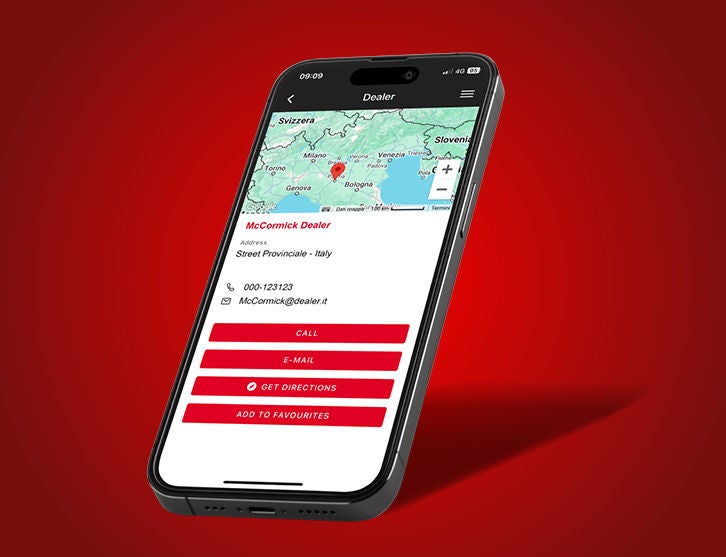
Get help from your local dealer
Your dealer will be by your side for the crucial operations, so you can start enjoying the benefits of McCormick Digital Solutions right away.ù
If your tractor is not equipped with McCormick Digital Solutions, contact your dealer to find out how they can be installed on your tractor.
Not sure if your tractor is equipped with McCormick Digital Solutions? Ask your dealer.
Need help?
McCormick experts are available to help you.
MY McCORMICK
For enquiries about My McCormick or the activation process please contact our dedicated support team.
McCORMICK FARM
For enquiries about McCormick Farm connect to the McCormick Farm app and use the chat.
McCORMICK FLEET MANAGEMENT
For enquiries about McCormick Fleet Management write to to our specialized support team.
Download manuals in pdf format
More information and a detailed description of the activation procedure can be downloaded from here in PDF format.